
Pomodoro timer & squat reminders
Focus on work.
Remember
to squat.
Set a focus timer. Get a reminder to get up and squat when it’s time for a break.
Try 25 minutes of focus and a 5-minute break online, or choose your own times.
No account or download needed. Sound is optional.
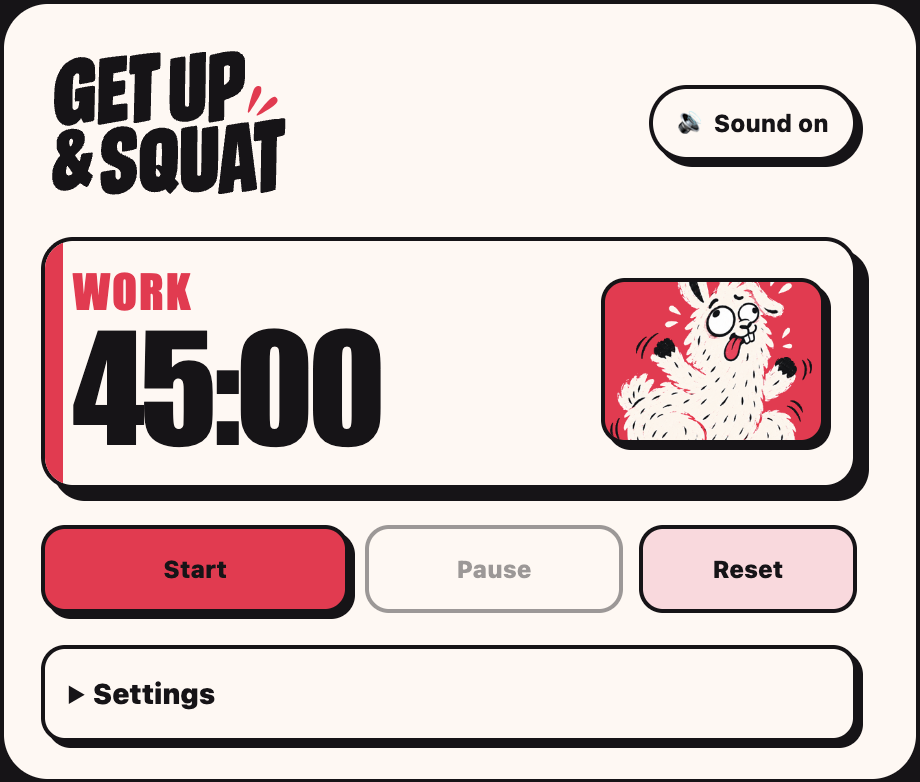
Work in focused sessions.
Make time for squats.
How it works
Three steps to your next squat break.
- 01
Choose your times.
Start with 25 minutes of focus and a 5-minute break, or change both in Settings.
- 02
Start your focus session.
Press Start and work on one task. Keep the online timer tab open while it counts down.
- 03
Get up and squat.
When focus time ends, your break timer starts. Get up and do a few squats at your own pace. Sound is on by default; mute it whenever you prefer.

Chrome extension · Coming soon
Squat reminders
while you work in Chrome.
Start a session from the Chrome toolbar, then close the popup and keep working. When focus time ends, the toolbar reminder and optional alarm let you know it’s time to get up and squat.
- Choose your focus and break times
- Pause, reset or mute at any time
- See today’s completed sessions and a seven-day summary
- Keep your settings and session history in your browser
Not yet available in the Chrome Web Store. Use the online timer today.
Extension setup and availabilityGuides